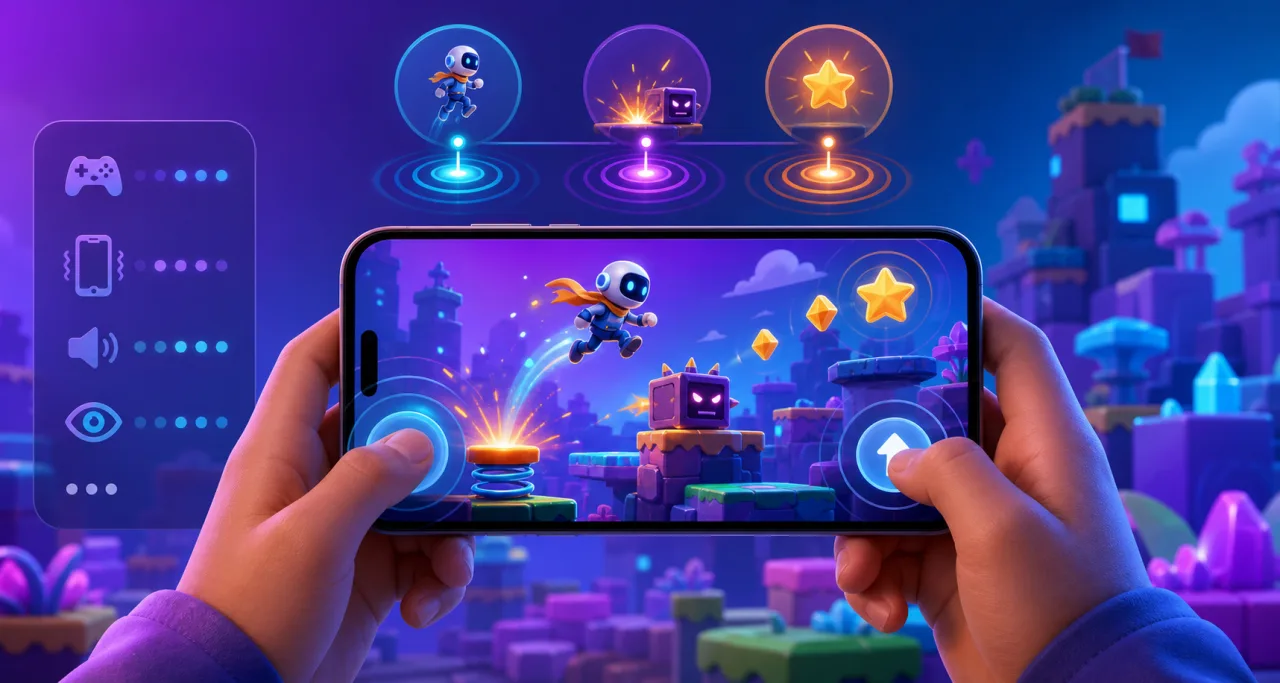
Haptic feedback can make a mobile game feel immediate: a short pulse can confirm a jump, a collision, a menu choice, or a successful objective. In an HTML5 game, however, vibration is a device-dependent enhancement rather than a guaranteed output. A responsible design checks capability, asks for user intent, uses restrained patterns, and always provides visual or audio confirmation as well.
This guide explains how to add practical haptics without making gameplay noisy, inaccessible, or dependent on one browser. Pair the implementation with solid touch controls and broader mobile browser optimization.
Understand the web platform limits
The web exposes vibration through navigator.vibrate() on supporting devices. A single number requests one vibration duration in milliseconds; an array alternates vibration and pause durations. Support varies by operating system, browser, device hardware, installed web-app mode, and user settings. Some browsers ignore the request entirely.
That inconsistency should shape the architecture. Treat a vibration call as fire-and-forget feedback. It must never unlock an action, advance game state, or be the only signal that something happened.
Use capability checks and graceful fallback
Centralize haptics behind one small service instead of calling the browser API throughout the game. The service should verify that navigator.vibrate is a function, check the player's preference, clamp durations, and return without error when vibration is unavailable.
A simple public interface might expose semantic events such as tap, impact, success, and warning. Game systems request an event; the haptics service decides whether and how to express it on the current device.
Design a restrained event vocabulary
Do not invent a unique vibration for every action. Players cannot reliably distinguish a large library, and frequent patterns quickly become tiring. Start with three or four short meanings:
- Tap: a very short pulse for a deliberate UI activation.
- Impact: a short, slightly stronger pulse for taking damage or landing a heavy move.
- Success: two brief pulses separated by a clear pause.
- Warning: a limited pattern reserved for an urgent, actionable state.
Keep individual pulses brief and the total pattern short. Long or repeated vibrations can be uncomfortable, drain battery, and make a web experience feel intrusive.
Trigger haptics from confirmed game events
Attach feedback to the resolved event, not the initial input. A button pulse should happen after the control is accepted. An impact pulse should follow collision validation and damage resolution, not every overlapping physics frame. A success pattern should play only when the objective transaction completes.
This prevents duplicate pulses and keeps feedback aligned with what the player sees. If an action is rejected because of cooldown, missing resources, or paused gameplay, use visual guidance rather than a misleading success pulse.
Respect user activation and browser policies
Some browser capabilities behave more reliably after a user gesture. Initialize or enable haptics only after the player taps a Start, Continue, or Settings control. Do not try to vibrate during page load, in a background tab, or from an unsolicited timer.
Pause haptic output when the document becomes hidden, when the game loses focus, or when gameplay is paused. Cancel an active pattern with navigator.vibrate(0) when leaving the scene or disabling the feature.
Give players explicit control
Add a Haptic Feedback toggle in the settings menu and default it conservatively. Preserve the choice locally and synchronize it only when the player has an account and the privacy model permits it. The toggle must work immediately and cancel any pattern already playing.
Consider offering Off, Low, and Standard levels rather than an unrestricted intensity slider. The vibration API controls duration patterns, not reliable motor strength, so an “intensity” label can promise behavior the browser cannot deliver.
Always provide equivalent feedback
Every haptic event needs another channel. A successful action might combine a small animation, a concise sound, and an optional pulse. A warning might use an icon, motion-safe highlight, and audio cue. Review the accessible audio settings guide so sound can also be adjusted independently.
Do not replace visible focus states or readable status messages with vibration. Players may use a desktop, a device without a vibration motor, reduced sensory output, or assistive technology.
Coordinate with reduced-motion and sensory preferences
Haptics and animation are different outputs, so a reduced-motion preference does not automatically mean “no vibration.” Still, the setting is a useful signal to avoid intense multi-sensory effects. Keep haptics independently controllable and make the relationship clear in the settings UI.
When designing broader comfort options, use the patterns in the reduced motion guide. Avoid coupling several preferences into one hidden master switch unless the player chooses a preset and can inspect its effects.
Prevent spam with cooldowns and aggregation
Fast games can produce dozens of eligible events per second. Add a short cooldown per semantic event and a global budget. Combine repeated minor impacts into one pulse, prioritize important feedback, and drop stale requests rather than queuing a long vibration sequence.
Menus also need restraint. Vibrating on every pointer move, hover, or held-key repeat is disruptive. Reserve UI haptics for committed actions such as selecting, confirming, or completing a drag target.
Integrate with the input architecture
The same game may accept touch, keyboard, mouse, and controller input. Haptics should describe the game response, not the input device. A successful jump can request the same semantic event regardless of how it was triggered.
Controller rumble uses separate APIs and hardware permissions. Keep it behind the same semantic layer, but implement the device adapter independently using the guidance in the gamepad support guide. Never assume phone vibration and controller rumble have matching strength or timing.
Test on real devices
- Test supported and unsupported browsers; unavailable vibration should produce no error.
- Test with the haptics setting off, then toggle it during an active pattern.
- Confirm backgrounding, pausing, and scene changes cancel output.
- Check rapid collisions, repeated taps, and held controls for spam.
- Verify visual and audio feedback remains complete without vibration.
- Measure battery and thermal behavior during a long play session.
- Test lower-powered Android phones as well as recent devices.
- Include haptic preferences in the onboarding and settings flow without forcing a choice before play.
Implementation checklist
- Wrap browser vibration behind a semantic service.
- Check capability and fail silently when unsupported.
- Use a small, restrained event vocabulary.
- Trigger only after confirmed game outcomes.
- Require user intent and stop output when hidden or paused.
- Provide Off and conservative strength presets.
- Pair every pulse with equivalent visual or audio feedback.
- Add cooldowns, aggregation, and a global vibration budget.
- Test on real browsers, devices, and input modes.
Good haptics are felt without demanding attention. By treating vibration as optional, semantic, user-controlled feedback, an HTML5 game can feel more responsive while remaining reliable and accessible everywhere else.