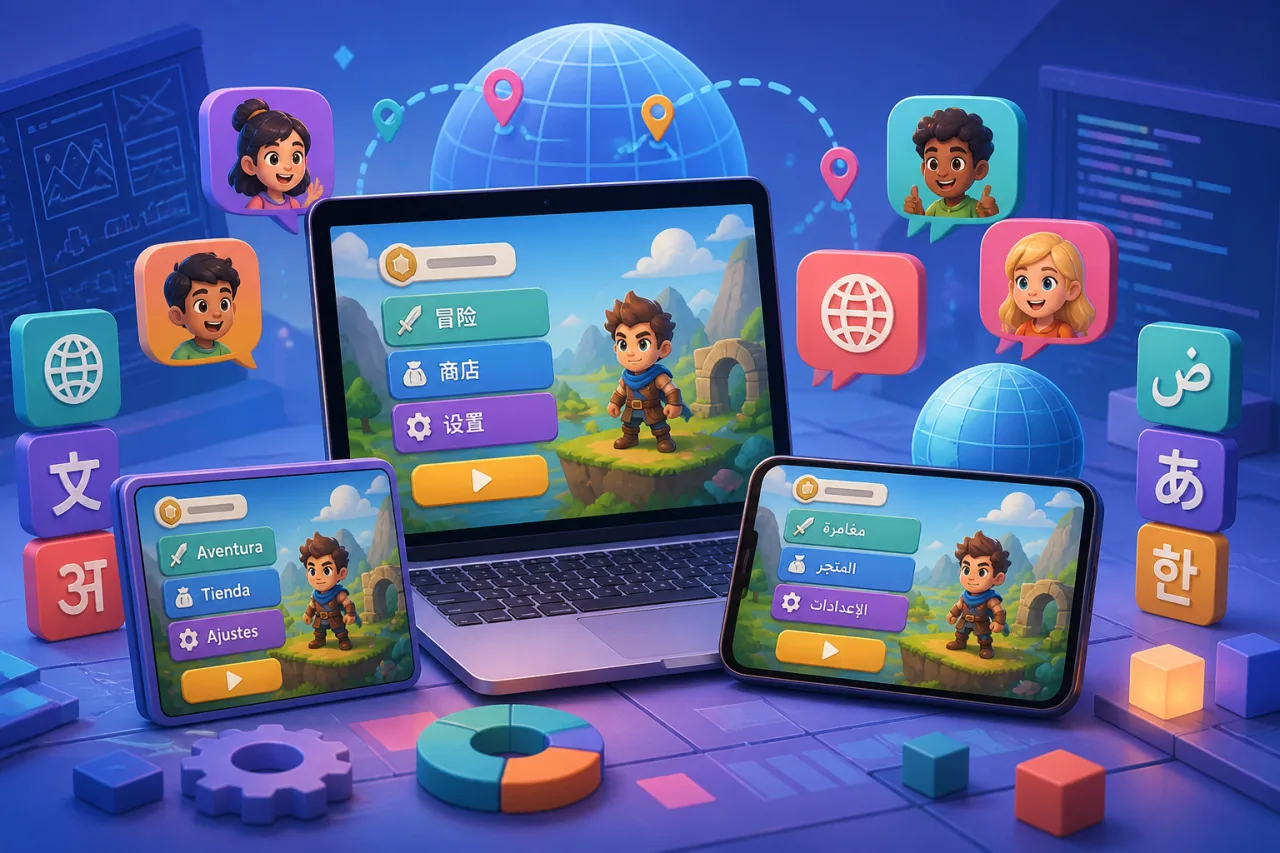
Localization is more than replacing a few menu labels. A well-localized HTML5 game loads the right language, handles longer text, respects plural rules and reading direction, and lets players switch languages without losing progress.
Separate text from game logic
Move every player-facing string into locale resources instead of scattering text through JavaScript, scenes, or UI components. Use stable semantic keys such as menu.play and results.bestScore. Keep one source locale complete so missing translations always have a predictable fallback.
{
  "menu.play": "Play",
  "menu.settings": "Settings",
  "results.score": "Score: {value}"
}
Do not build sentences by joining translated fragments. Word order changes between languages, so translators need the full message and named placeholders.
Choose the initial locale predictably
Use this priority: the player's saved preference, an account setting, the browser language list, and finally the default locale. Normalize regional tags carefully. A game may support both Portuguese variants, while another locale can safely fall back from fr-CA to fr.
Load translations without delaying play
Bundle the default locale with the game shell and lazy-load additional resources. Cache successful files, validate their version, and fall back gracefully when a request fails. Avoid displaying raw translation keys. A short neutral loading state is better than a menu that visibly changes language after it appears.
Design for text expansion
Translated labels can be much longer than their English source. Prefer flexible containers, minimum sizes, wrapping rules, and tested truncation over fixed-width buttons. Leave room around score labels and tutorial prompts. Test at least one compact language and one language that commonly expands.
Pair flexible layouts with text scaling and readability settings. Mobile interfaces should also follow touch-friendly control guidance.
Format numbers, dates, and plurals by locale
Use Intl.NumberFormat, Intl.DateTimeFormat, and Intl.PluralRules instead of manual separators or English-only plural logic. Keep raw game values separate from presentation so scores and save data remain portable.
const scoreText = new Intl.NumberFormat(locale).format(score);
const rule = new Intl.PluralRules(locale).select(lives);
Support right-to-left interfaces deliberately
For Arabic, Hebrew, and other right-to-left locales, set the document or UI container direction and use logical CSS properties such as margin-inline-start. Mirror navigation flow where appropriate, but do not automatically mirror maps, clocks, controller diagrams, or gameplay direction. Test mixed content such as player names, numbers, and keyboard shortcuts.
Keep fonts and rendering reliable
Choose font families that cover every supported script, and subset or lazy-load them without producing missing-glyph boxes. Canvas text requires the font to be ready before measurement and drawing. Recalculate wrapping after a locale or font change, especially in WebGL and bitmap-font pipelines.
Give translators useful context
- Provide screenshots or descriptions for ambiguous keys.
- Mark placeholders that must remain unchanged.
- State character limits only when the UI truly cannot grow.
- Keep markup out of translation strings when possible.
- Track untranslated, obsolete, and duplicate keys automatically.
Test localization as gameplay
Run every locale through menus, tutorials, pause screens, results, errors, achievements, and consent dialogs. Check navigation after labels expand. Change language during a session and verify that game state remains intact. Test offline fallback if supported, using the approach in How to Make HTML5 Games Work Offline.
Production checklist
- Externalize every visible string and define a complete fallback locale.
- Use named placeholders, plural rules, and locale-aware formatting.
- Test expansion, wrapping, fonts, and right-to-left layouts.
- Persist the player's choice without resetting progress.
- Automate missing-key and resource-version checks before release.
A localization system built around structured resources and flexible layout is easier to translate and safer to maintain. It lets one HTML5 game feel intentional across languages instead of merely displaying translated words.