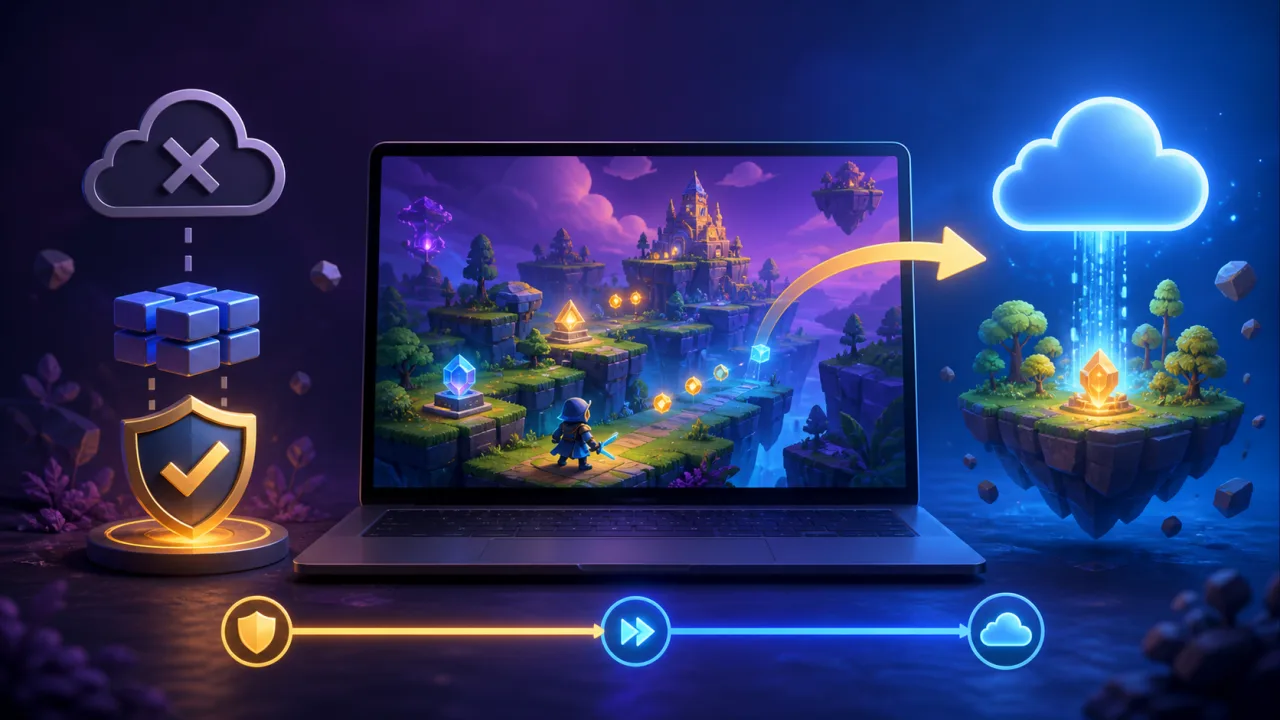
Offline support can make an HTML5 game more resilient on unreliable connections, but it requires careful boundaries. The portal must cache only safe assets, explain what remains available, preserve local progress, and reconcile state without duplicating rewards. The goal is graceful continuity, not pretending that every online feature works without a network.
Define the offline promise
List which games can launch offline, which modes remain available, which progress is stored locally, and which features require reconnection. Multiplayer, purchases, ads, leaderboards, and account changes should clearly report their online dependency.
Choose suitable games
Offline mode works best for self-contained games with predictable assets and local rules. Games that stream levels, depend on live opponents, or require server authority may support only a limited practice mode.
Use a service worker deliberately
Register it from the correct scope, version its behavior, and handle installation and activation transitions. Never allow an old worker to serve incompatible code indefinitely. Provide a safe update path between sessions.
Build an explicit app shell
Cache the minimal portal frame needed to launch eligible games: navigation, offline status, help, and the game bootstrap. Do not cache the entire portal blindly. Keep account, admin, and personalized pages network-first.
Version every game asset bundle
Create a manifest of scripts, styles, audio, images, and level data with content hashes. A new release gets a new cache name. Verify the full bundle before marking it available offline so partial downloads cannot create broken sessions.
Choose caching strategies by resource
Use cache-first for immutable hashed assets, network-first for changing metadata, and stale-while-revalidate only where slightly old content is acceptable. HTML launch documents usually need careful revalidation to avoid mixing versions.
Respect storage limits
Browsers can evict cached data, especially on mobile or low-storage devices. Estimate bundle size, let players choose downloads, show progress, and provide a remove option. Do not promise permanent offline availability.
Keep saved progress separate from caches
Assets belong in Cache Storage; structured progress belongs in IndexedDB or another appropriate local store. Version the data schema and migrate carefully. Use ideas from HTML5 game cloud saves when reconnecting account progress.
Queue only safe offline actions
Local settings, checkpoints, and single-player completion events may be queued. Purchases, competitive scores, and valuable rewards should wait for server validation. Every queued event needs a unique ID and creation time.
Reconcile idempotently
When connectivity returns, send events in a stable order and let the server reject duplicates. Apply progress and record the event in one transaction. Conflict rules should be documented: newest checkpoint, furthest verified progress, or an explicit player choice.
Protect competitive integrity
Do not trust offline claims for leaderboards or tournaments. Keep competitive sessions online or upload signed evidence for server verification. Follow the fairness principles in fair HTML5 game leaderboards.
Show connectivity honestly
Use a small status indicator and explain which action is unavailable. Do not show a generic “offline” error after every click. A reconnect message should confirm what synchronized and identify anything that needs attention.
Handle updates without losing progress
Save progress before activating a new worker, finish active sessions when possible, and never delete a cache still used by an open game. If an update changes rules or save format, test migration and provide rollback or recovery.
Support guest players
Guests can use device-bound offline saves, but explain that clearing browser data may remove them. Offer account linking after value has been demonstrated and preserve eligible state using guest player support.
Design onboarding for downloads
Explain bundle size, offline limitations, and the first-success path before a large download. Let players cancel and resume. The guidance in better HTML5 game onboarding helps keep the flow concise.
Test mobile browser behavior
Test backgrounding, low storage, OS cleanup, airplane mode, flaky Wi-Fi, orientation changes, and browser restarts. Apply the compatibility practices from HTML5 games on mobile browsers.
Measure without invading privacy
Track bundle download success, offline launches, cache misses, sync latency, conflicts, and recovery. Upload telemetry only after reconnection and avoid storing browsing details or sensitive account data in diagnostic events.
Provide a recovery screen
If an asset is missing or a migration fails, preserve progress and offer retry, redownload, export diagnostics, or return to the portal. Never loop endlessly between a broken cached page and a failed update.
Roll out gradually
Start with one small game and a controlled audience. Test cache upgrades across several releases before expanding. Publish the offline-support label only after download, launch, save, sync, update, and eviction recovery all pass.
Launch with a practical checklist
- Define offline modes and online-only features.
- Version and verify complete asset manifests.
- Separate cached assets from saved progress.
- Queue safe events with unique identifiers.
- Reconcile on the server without duplicates.
- Test eviction, updates, conflicts, and recovery.
- Explain storage and privacy clearly.
Good offline support is transparent about its limits. When assets are versioned, progress is stored safely, and reconnection is idempotent, HTML5 games can survive ordinary network interruptions without compromising player trust or competitive integrity.