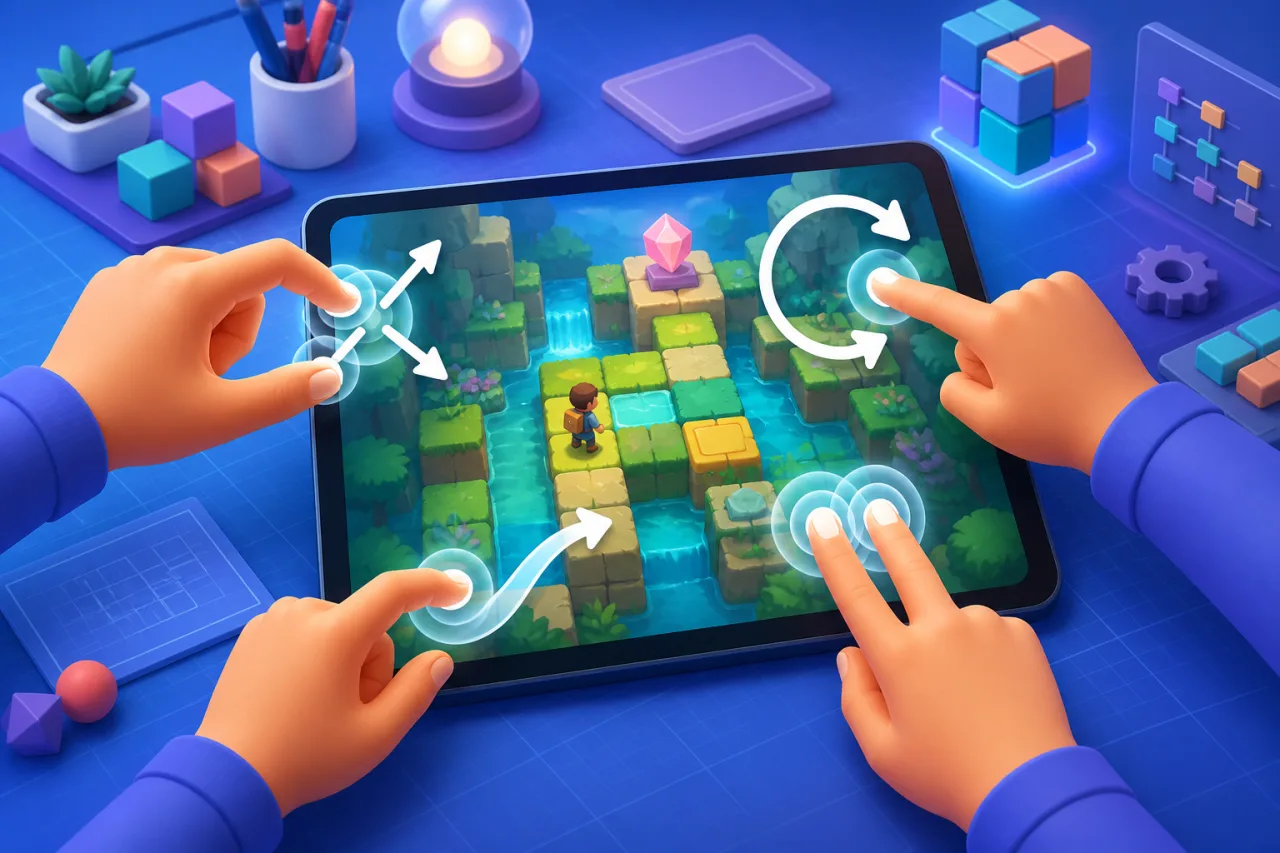
Multi-touch can make an HTML5 game feel designed for phones and tablets instead of merely adapted to them. Pinch, rotate, two-finger tap, and simultaneous controls can be useful, but they need clear gesture rules, reliable pointer tracking, and accessible alternatives.
Start with Pointer Events
Pointer Events provide one model for touch, pen, and mouse input. Track active pointers by pointerId, capture each pointer when an interaction starts, and remove it on pointerup or pointercancel. This avoids mixing browser-specific touch lists with separate mouse handlers.
const pointers = new Map();canvas.addEventListener("pointerdown", event => {
canvas.setPointerCapture(event.pointerId);
pointers.set(event.pointerId, { x: event.clientX, y: event.clientY });
});
canvas.addEventListener("pointerup", event => {
  pointers.delete(event.pointerId);
});
Recognize gestures from stable measurements
For two active pointers, measure the starting distance, angle, and midpoint. Compare those values with the current positions:
- Pinch: use the distance ratio for zoom.
- Rotate: use the angle delta with wraparound handling.
- Two-finger pan: move from the midpoint delta.
- Two-finger tap: require short duration and limited movement.
Use small activation thresholds so normal finger jitter does not start a gesture. Once a gesture wins, keep that interpretation until the pointers end instead of switching between pinch and rotate every frame.
Convert coordinates correctly
Browser coordinates are CSS pixels, while the game may render at a different canvas or world resolution. Convert pointer positions through the canvas bounding rectangle and current scale. Recalculate after resize, orientation change, fullscreen transitions, or resolution changes.
Resolve conflicts with the browser
Apply touch-action: none only to the interactive game surface that truly needs custom gestures. Keep page navigation and surrounding controls scrollable. Call preventDefault() only when the game has committed to an interaction. This reduces accidental page zoom and scroll without trapping the entire site.
Design clear gesture ownership
Reserve gestures by context. A pinch can zoom a map, while two simultaneous virtual buttons can control movement and an action. Do not assign the same gesture to camera movement and menu navigation. Pause gesture recognition when a dialog, ad, or system prompt covers the game.
Build the base layout with touch-friendly controls, then add multi-touch only where it improves play. Check broader viewport behavior with mobile browser optimization.
Handle cancellation and interruptions
Browsers can send pointercancel during system gestures, orientation changes, alerts, or lost focus. Clear every affected pointer, stop momentum safely, and return the game to a neutral state. Also reset input on visibilitychange and window blur so a virtual control never remains stuck.
Keep gestures performant
- Store compact pointer state instead of allocating objects every frame.
- Update visuals inside
requestAnimationFrame.
- Separate input sampling from game simulation.
- Clamp zoom and rotation to useful ranges.
- Avoid expensive DOM layout reads during every pointer move.
Provide accessible alternatives
Every essential gesture needs another route: visible zoom buttons, keyboard commands, controller bindings, or menu actions. Offer sensitivity settings and allow players to disable rotation gestures. Do not require three-finger gestures or precise timing for core progress.
Test on real devices
Test different screen sizes, refresh rates, browsers, and operating-system gesture modes. Verify two players or two hands do not steal each other's pointers. Check fast taps, crossed fingers, an added third pointer, edge gestures, orientation changes, and interruptions. Make sure pause controls stay reachable using the guidance in responsive pause menu design.
Production checklist
- Track pointers by ID and handle cancellation everywhere.
- Use thresholds and lock the chosen gesture until completion.
- Convert CSS coordinates into the current game coordinate system.
- Limit
touch-actionto the game surface.
- Provide visible, keyboard, and controller alternatives.
- Test interruptions and device-edge gestures on hardware.
A good multi-touch system feels predictable because it recognizes intent without fighting the browser. With clear ownership, cancellation handling, and alternatives, gestures can add depth while keeping the HTML5 game usable across devices.