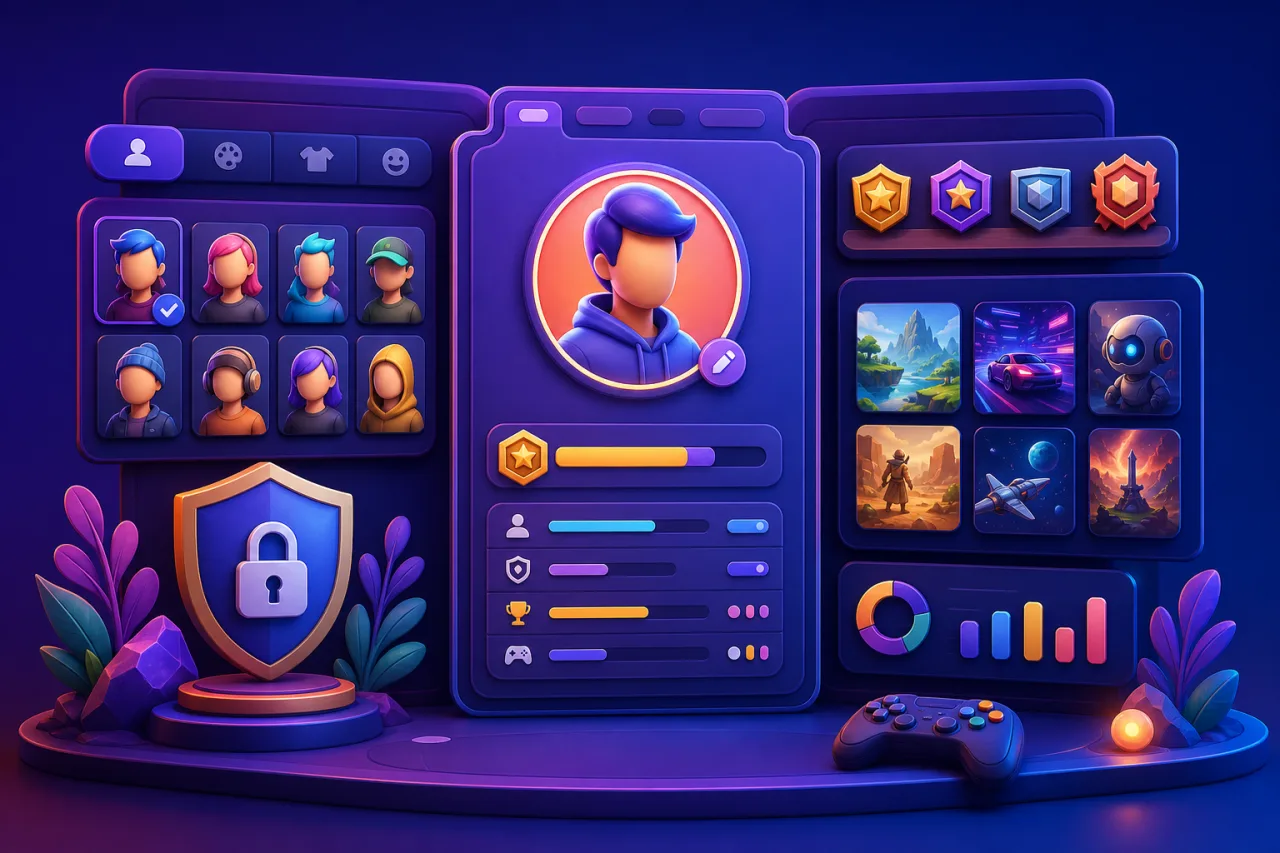
Player profiles bring favorites, achievements, progress, and identity into one useful place. They can help players continue across devices and discover relevant games, but they also concentrate personal data and community features that need thoughtful privacy and moderation.
This guide explains how to design a safe, accessible profile system for an HTML5 game portal, from the database model and avatar rules to visibility controls, migration, and deletion.
Define the profile's purpose
Start with the smallest useful set of fields: display name, generated or selected avatar, join date, optional bio, favorite games, achievements, and a few activity summaries. Avoid collecting legal names, precise location, birth dates, or contact details unless a specific lawful feature genuinely requires them.
Every public field should help the player express identity or understand progress. If a field has no clear player benefit, leave it out.
Separate account data from public profile data
Store authentication credentials, email addresses, consent records, and security events in protected account tables. The public profile should reference the account through an internal ID and expose only approved presentation fields.
Never include email, login provider IDs, IP addresses, internal moderation notes, or recovery details in public APIs or page markup.
Use stable IDs and changeable display names
Give each player an immutable internal identifier. Treat the display name as editable presentation data with normalization, length limits, uniqueness rules if required, and a cooldown that discourages impersonation.
Keep historic names in a private audit record for moderation, not in public profile URLs. Use a stable slug or opaque public ID so links do not break after a rename.
Offer safe avatar choices
The lowest-risk option is a curated avatar library with clear licensing. If uploads are allowed, validate MIME type and dimensions, re-encode images, strip metadata, scan content, cap file size, and serve from a separate media domain.
Provide useful alternative text and do not make avatar appearance the only way to distinguish accounts. A neutral default should work without customization.
Build privacy controls from the start
Let players choose whether the whole profile, favorites, achievements, recent activity, and statistics are public, friends-only, or private where appropriate. Use private defaults for sensitive or youth-oriented experiences.
Explain each setting in plain language and show a preview of what another visitor can see. Privacy changes should apply immediately to pages, APIs, caches, and search indexes.
Connect favorites without exposing behavior
Favorites can appear as a curated personal shelf when the player opts in. Keep the underlying system consistent with our guide to adding favorites to a game portal, but do not publish private collections by default.
Allow players to reorder or hide individual titles. Removed or unavailable games should disappear gracefully without breaking the profile layout.
Show achievements with context
Display earned badges, unlock dates, and plain-language requirements. Keep hidden achievements hidden until earned, and never expose anti-cheat details in the public response.
Use the data model from building achievement badges so duplicate unlocks, retired rules, and version changes remain auditable.
Present statistics responsibly
Useful summaries include games tried, categories explored, best streak, achievements earned, and verified scores. Avoid publishing exact session times, login patterns, or detailed activity histories that reveal when someone is online.
Leaderboard placements should follow the validation and privacy practices in fair game leaderboards. Give players a way to hide a placement without deleting the underlying anti-cheat record.
Support cross-device continuity
Profiles often become the parent record for saves, settings, challenges, and achievements. Link them through stable player IDs and versioned APIs. The architecture in cloud save support helps with conflict handling, guest migration, and recovery.
When a guest creates an account, merge only verified local records, prevent duplicate events, and show the result before discarding the guest identity.
Design accessible profile pages
Use a logical heading structure, keyboard-operable tabs, readable contrast, text labels for icons, and large touch targets. Progress charts need numerical summaries, and empty sections need helpful explanations rather than blank space.
Test responsive behavior with the practices in mobile HTML5 game optimization. Profile modules should not force horizontal scrolling or push essential controls off-screen.
Add moderation and reporting tools
If players can choose names, bios, or images, provide report, review, and appeal workflows. Store reports with the exact content version, reporter category, timestamps, decision, and moderator notes. Rate-limit reporting to prevent abuse.
Separate automated filters from final decisions and document escalation for impersonation, harassment, or unsafe content. Do not expose reporter identity to the reported player.
Protect profile endpoints
Require authentication for edits, verify ownership server-side, use CSRF protection, rate-limit changes, and validate every field. Public profile responses should be cacheable only when their visibility and invalidation rules are correct.
Use field-level allowlists instead of returning an account object and deleting sensitive keys afterward. Log security-relevant changes without storing unnecessary content.
Plan export and deletion
Give players a clear way to download their profile data in a portable format and request deletion where applicable. Define what is deleted, anonymized, or retained for security and legal reasons. Remove public pages, media, caches, and search entries promptly.
Retired accounts should not leave broken favorites, ratings, or leaderboard pages. Replace public references with a neutral deleted-player state when full removal would damage shared records.
Keep ratings separate from identity pressure
A profile may list a player's reviews if they opt in, but ratings should remain genuine opinions rather than profile-completion tasks. Follow the separation described in building a useful game rating system.
Never require a positive rating, public favorite, or social share to unlock profile features.
Launch with a focused checklist
- Separate private account records from public profile fields.
- Use stable IDs and safe display-name rules.
- Provide private defaults and per-section visibility.
- Validate avatars, bios, and every edit on the server.
- Test guest migration, duplicate events, and account recovery.
- Support keyboard, touch, contrast, and text alternatives.
- Document moderation, export, deletion, and cache invalidation.
- Audit public APIs for accidental personal-data exposure.
Practical takeaway
A useful player profile is a privacy-aware home for identity and progress, not a public dump of account activity. Start small, separate private data rigorously, give players meaningful visibility controls, and expand only when each new field has a clear benefit and a safe lifecycle.